
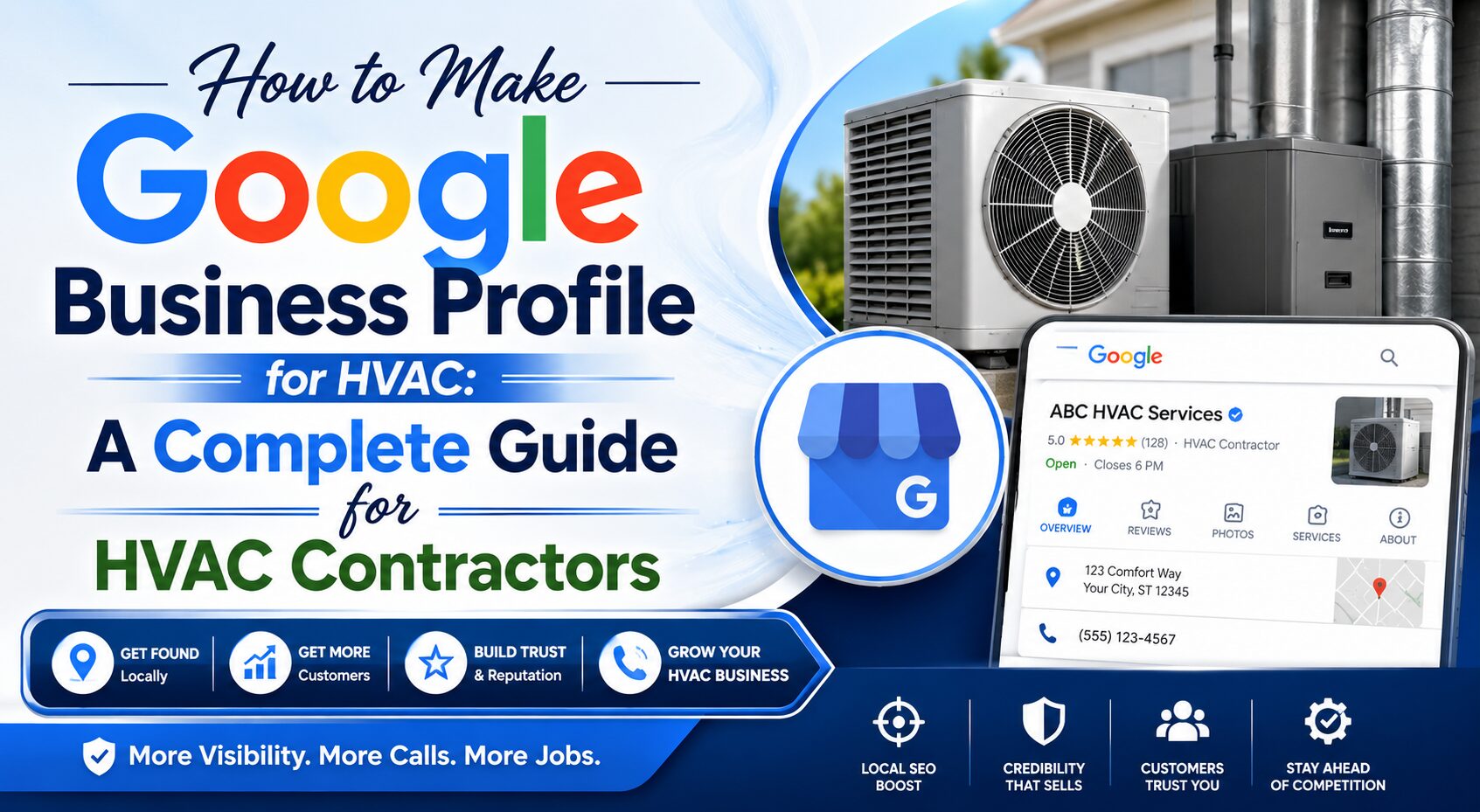
How to Make Google Business Profile for HVAC: A Complete Guide for HVAC Contractors
Introduction
If you own an HVAC company and want more local customers to find your business online, creating a Google Business Profile is one of the most effective marketing steps you can take. When homeowners search for heating, ventilation, and air conditioning services in their area, businesses with optimized Google Business Profiles often appear at the top of search results and on Google Maps.
Many HVAC business owners ask, how to make Google Business Profile for HVAC companies and maximize local visibility. The good news is that the process is straightforward, cost-effective, and can significantly increase phone calls, website visits, and service bookings.
In this comprehensive guide, you’ll learn exactly how to make Google Business Profile for HVAC businesses, optimize it for local SEO, and attract more customers in your service area.
What Is a Google Business Profile?
A Google Business Profile (formerly Google My Business) is a free business listing that allows your HVAC company to appear on Google Search and Google Maps.
Your profile can display:
- Business name
- Address
- Service areas
- Phone number
- Website link
- Business hours
- Customer reviews
- Photos and videos
- Service descriptions
- Frequently asked questions
When someone searches for terms like:
- HVAC contractor near me
- Air conditioning repair
- Furnace installation
- Emergency HVAC services
Google often displays local business listings before traditional website results. This makes your Google Business Profile one of the most valuable online marketing assets for your HVAC company.
Why HVAC Companies Need a Google Business Profile
Before learning how to make Google Business Profile for HVAC businesses, it’s important to understand why it matters.
Increased Local Visibility
Most HVAC customers search online when they need immediate assistance. An optimized profile helps your business appear in local search results.
More Phone Calls
Potential customers can call directly from your profile without visiting your website.
Improved Trust
Customer reviews help establish credibility and influence buying decisions.
Better Google Maps Rankings
A properly optimized profile improves your chances of appearing in Google Maps results.
Free Marketing
Unlike paid advertising, creating and maintaining a Google Business Profile is completely free.
Step 1: Create or Sign In to a Google Account
The first step in how to make Google Business Profile for HVAC companies is obtaining a Google account.
If you already use Gmail or Google Workspace, you can use that account.
If not:
- Visit Google’s account creation page.
- Create a business-related email account.
- Verify your account.
- Sign in.
Using a dedicated business email helps keep your company information organized.
Step 2: Access Google Business Profile
Once logged in:
- Go to Google Business Profile.
- Click “Manage Now.”
- Enter your HVAC company name.
If your business already appears on Google, you may need to claim the listing instead of creating a new one.
This prevents duplicate listings and ensures accurate information.
Step 3: Enter Your HVAC Business Name
Use your official business name exactly as it appears on:
- Business licenses
- Website
- Invoices
- Marketing materials
Avoid keyword stuffing.
For example:
Correct
ABC Heating & Cooling
Incorrect
ABC Heating & Cooling Best HVAC Contractor Air Conditioning Repair
Google may suspend listings that violate naming guidelines.
Step 4: Choose the Correct Business Category
Choosing the right category is one of the most important steps in how to make Google Business Profile for HVAC businesses.
Your primary category should accurately describe your main service.
Common HVAC categories include:
- HVAC Contractor
- Air Conditioning Contractor
- Air Conditioning Repair Service
- Heating Contractor
You can also add secondary categories such as:
- Furnace Repair Service
- Ventilation Contractor
- Commercial Refrigeration Service
- Air Duct Cleaning Service
Selecting relevant categories helps Google understand your business and match it with local searches.
Step 5: Add Your Service Area
Many HVAC companies travel to customers rather than serving them at a storefront.
Google allows service-area businesses to define where they operate.
Examples:
- Dallas, Texas
- Fort Worth, Texas
- Arlington, Texas
- Plano, Texas
Choose all cities and communities you regularly serve.
This helps improve visibility for local searches in those areas.
Step 6: Enter Contact Information
Provide accurate contact details including:
Phone Number
Use your primary business number.
Website URL
Link directly to your HVAC website.
Booking Link
If available, add a scheduling or appointment page.
Consistency across all online platforms helps improve local SEO performance.
Step 7: Verify Your Business
Verification confirms that you are the legitimate owner of the HVAC company.
Google may offer several verification methods:
- Video verification
- Phone verification
- Email verification
- Postcard verification
Follow Google’s instructions carefully.
Your profile will become fully active after successful verification.
Step 8: Complete Every Profile Section
One of the biggest mistakes HVAC companies make is leaving profile sections incomplete.
A complete profile generally performs better in local search results.
Add:
- Business hours
- Holiday hours
- Emergency service availability
- Service descriptions
- Business attributes
The more information you provide, the easier it is for customers to choose your business.
Step 9: Write a Compelling Business Description
Your business description should explain who you are and what you do.
Example:
“ABC Heating & Cooling provides professional HVAC installation, repair, and maintenance services for residential and commercial customers. Our experienced technicians specialize in air conditioning repair, furnace installation, heat pump services, indoor air quality solutions, and emergency HVAC support. We proudly serve homeowners and businesses throughout the local community.”
Keep the description informative, professional, and customer-focused.
Step 10: Add HVAC Services
Google allows businesses to list individual services.
Examples include:
Air Conditioning Services
- AC installation
- AC repair
- AC replacement
- AC maintenance
Heating Services
- Furnace installation
- Furnace repair
- Boiler services
- Heat pump repair
Indoor Air Quality
- Air purification systems
- Duct cleaning
- Humidifier installation
- Ventilation improvements
Adding services helps customers quickly understand your offerings.
Step 11: Upload High-Quality Photos
Photos significantly impact customer engagement.
Recommended images include:
Company Logo
Your official brand logo.
Team Photos
Show friendly HVAC technicians.
Service Vehicles
Display branded company trucks.
Completed Projects
Highlight installations and repairs.
Office Images
Show your professional workspace.
Businesses with quality photos often receive more interactions and inquiries.
Step 12: Add Videos
Videos help potential customers connect with your business.
Ideas include:
- Technician introductions
- HVAC maintenance tips
- Equipment installations
- Customer testimonials
- Behind-the-scenes footage
Short, professional videos can increase trust and engagement.
Step 13: Collect Customer Reviews
Reviews are among the strongest ranking and trust factors.
Ask satisfied customers to leave reviews after:
- HVAC repairs
- AC installations
- Furnace replacements
- Maintenance visits
Positive reviews can improve both rankings and conversion rates.
Step 14: Respond to Every Review
Whether a review is positive or negative, always respond professionally.
Positive Review Response Example
“Thank you for choosing our HVAC services. We’re glad we could help with your air conditioning repair and appreciate your feedback.”
Negative Review Response Example
“We appreciate your feedback and would like the opportunity to resolve your concerns. Please contact us directly so we can assist further.”
Active engagement shows professionalism and customer commitment.
Step 15: Publish Regular Google Posts
Google Posts allow HVAC companies to share updates directly on their profile.
Post ideas include:
- Seasonal HVAC tips
- Special promotions
- Maintenance reminders
- New service announcements
- Community involvement
Regular posting signals activity and keeps customers informed.
Step 16: Add Frequently Asked Questions
Many customers have common HVAC questions.
Examples include:
How often should HVAC systems be serviced?
Most systems benefit from professional maintenance twice per year.
Do you provide emergency HVAC repairs?
Yes, emergency services may be available depending on your company offerings.
What brands do you service?
List the major brands your technicians support.
FAQs improve customer experience and can reduce unnecessary inquiries.
Step 17: Optimize for Local SEO
If your goal is ranking higher locally, optimization is essential.
When learning how to make Google Business Profile for HVAC companies, SEO should be a major focus.
Include relevant terms naturally throughout your profile:
- HVAC contractor
- Air conditioning repair
- Furnace installation
- Heating services
- HVAC maintenance
- Emergency HVAC repair
Avoid excessive keyword stuffing.
Focus on providing helpful information instead.
Step 18: Keep Information Updated
Outdated information can frustrate customers.
Regularly review:
- Phone numbers
- Service areas
- Business hours
- Website links
- Services offered
An accurate profile improves customer satisfaction and search performance.
Common Mistakes to Avoid
Many HVAC businesses lose opportunities because of avoidable mistakes.
Incomplete Profiles
Fill out every available section.
Poor-Quality Photos
Use professional, clear images.
Ignoring Reviews
Respond consistently.
Inconsistent Contact Information
Keep your business details identical across all platforms.
Duplicate Listings
Claim existing listings rather than creating multiple profiles.
Advanced Tips for HVAC Businesses
Once your profile is established, consider these advanced strategies:
Encourage More Reviews
Create a simple review request process.
Add New Photos Monthly
Fresh content signals activity.
Track Performance
Monitor profile insights to see:
- Calls received
- Website clicks
- Direction requests
- Search visibility
Promote Seasonal Services
Highlight:
- Summer AC tune-ups
- Winter furnace inspections
- Emergency repair services
These seasonal updates can drive additional leads.
Benefits of an Optimized HVAC Google Business Profile
When properly optimized, your profile can help generate:
- More local leads
- Increased website traffic
- Higher Google Maps visibility
- Improved trust and credibility
- More service appointments
- Better conversion rates
Many HVAC companies see significant growth simply by fully optimizing their Google Business Profile.
Conclusion
Understanding how to make Google Business Profile for HVAC companies is essential for attracting local customers and growing your business online. A well-optimized profile helps your HVAC company appear in Google Search and Google Maps, improves credibility through customer reviews, and creates more opportunities for service calls and appointments.
By creating a complete profile, choosing the right categories, adding quality photos, collecting reviews, and maintaining accurate business information, you can build a strong local presence that drives consistent leads throughout the year.
If you’re serious about growing your HVAC business, creating and optimizing your Google Business Profile should be one of your highest marketing priorities.
